The article
A visual workflow can replace a surprising amount of custom integration code. A form submission arrives, a customer record is updated, a notification is sent and a document is stored. With a tool like n8n, connecting these steps can be relatively quick.
But as an integration grows, the important question changes. It is no longer just can this be automated? It becomes how easy will it be to understand, test, maintain and recover when something goes wrong?
The choice between n8n and custom code is not really about visual tools versus programming. It's about choosing the right level of control for the problem.
Where n8n works well
n8n is particularly useful when the work consists of connecting existing systems and coordinating relatively straightforward actions.
Think of a contact form that creates a CRM record, sends a confirmation email and notifies someone in Teams or Slack. Or a scheduled process that retrieves data from an API, transforms a few fields and delivers a report.
These are good candidates because the individual steps are understandable, the external systems already provide APIs, and the process can be adjusted without changing an entire application.
Another advantage is visibility. A workflow makes the sequence of actions easy to inspect, which is valuable when discussing the process with someone who isn't a developer.
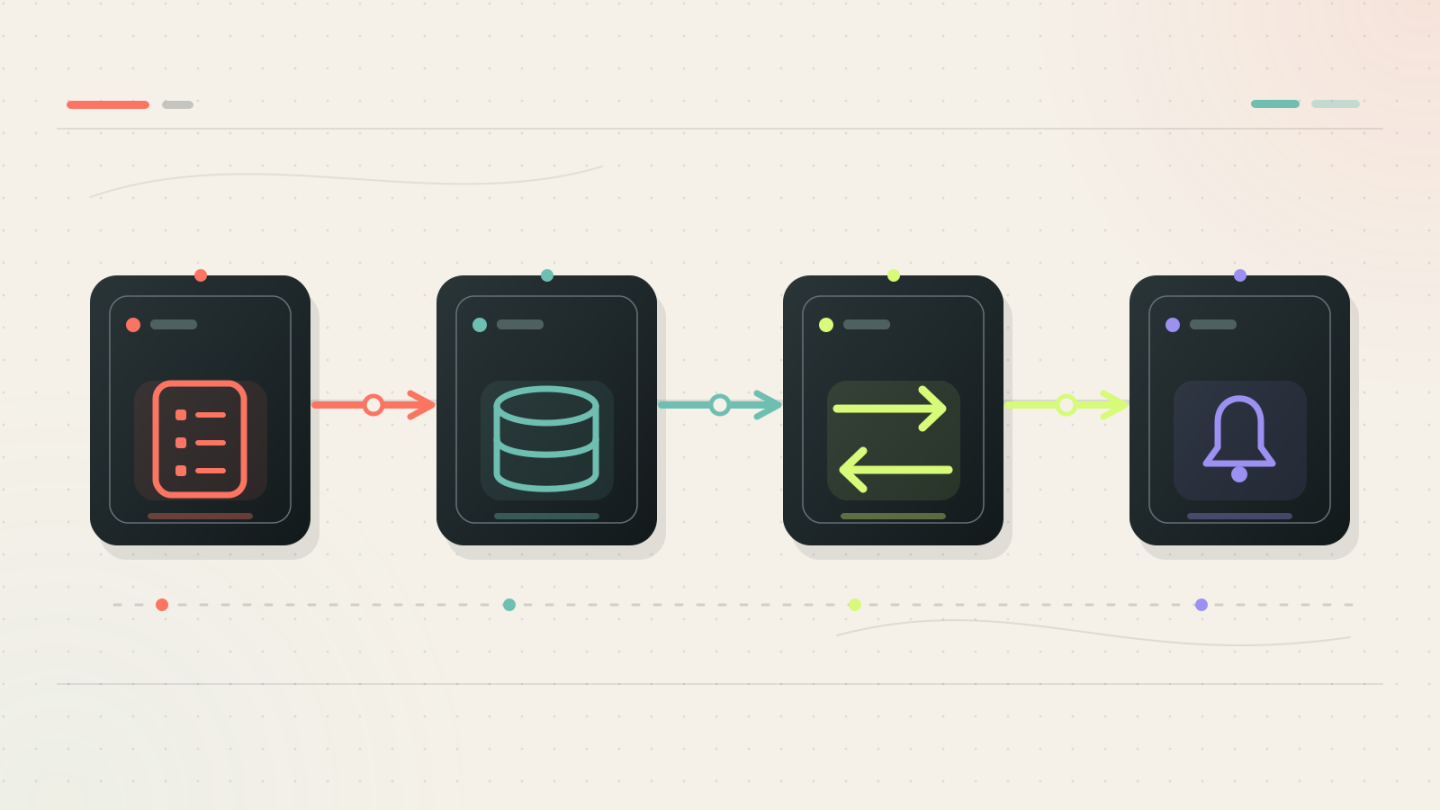
Caption: Visual workflows are especially useful when the process consists of clear, independent steps.
When the workflow becomes the problem
A visual workflow can become difficult to maintain when business logic starts taking over.
Consider an integration that processes orders from several suppliers. Each supplier uses slightly different data. Products have to be matched, exceptions handled, prices recalculated and records checked against existing information.
At first, adding another condition or transformation node seems harmless. But after enough exceptions, the workflow becomes a complicated network of branches.
Some warning signs are:
- The same validation or transformation logic is repeated in several workflows.
- Testing requires many combinations of inputs and edge cases.
- Processing involves large amounts of data or demanding performance requirements.
- Retry behaviour, duplicate prevention and data consistency become critical.
- Several applications need to use exactly the same business rules.
None of these automatically rules out n8n. They do suggest that part of the solution might be easier to manage as software.
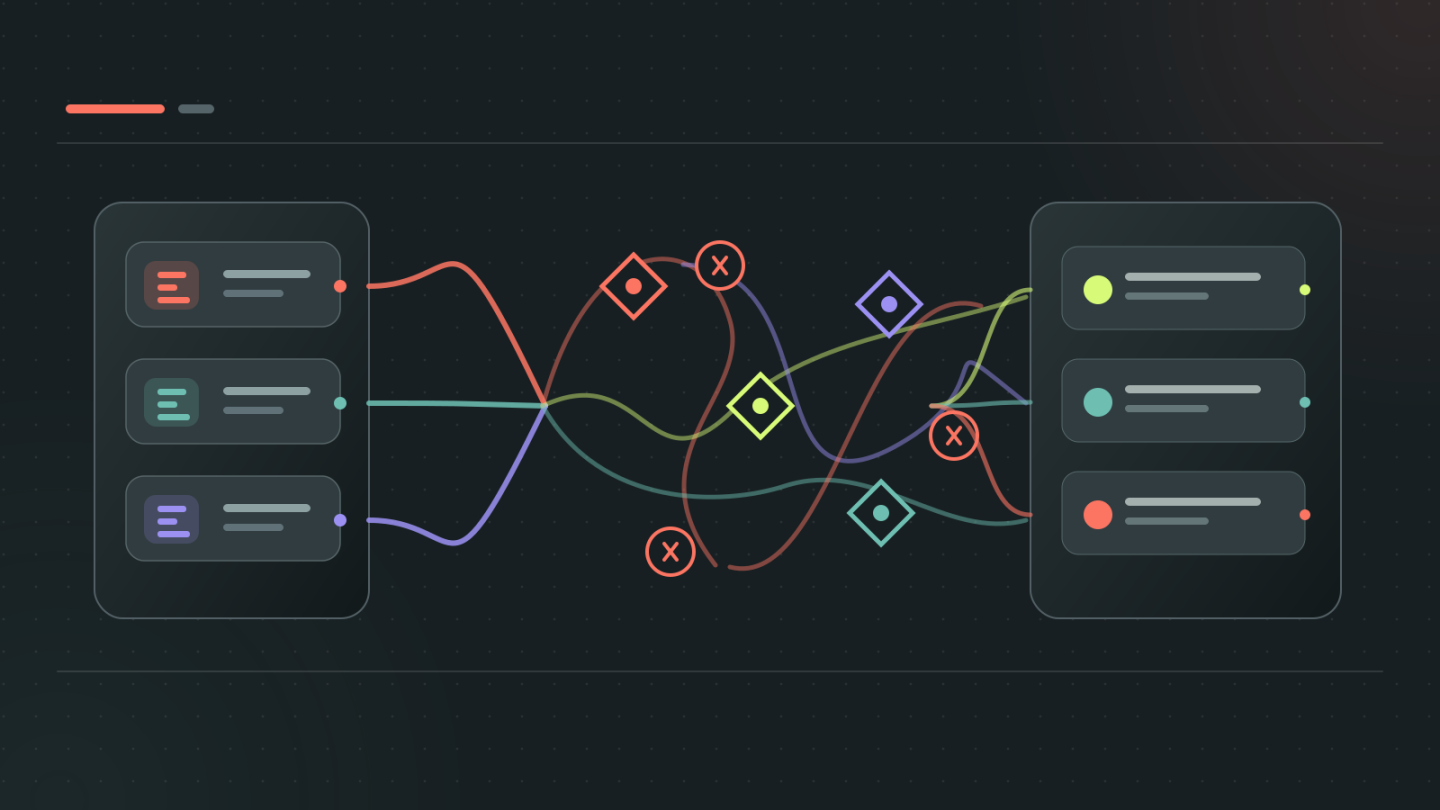
Caption: As business rules and exceptions accumulate, a visual workflow can become harder to reason about than a small, well-structured service.
Where custom code makes more sense
Custom code gives you greater freedom in how logic is structured, tested and reused.
A small service can expose a clearly defined API, validate incoming data, apply business rules and return a predictable result. Automated tests can cover normal situations as well as unusual cases.
This is especially useful when the same functionality is needed in several places or when changes must be carefully controlled.
However, writing code also brings responsibility. You need to consider deployment, security updates, logging, monitoring and maintenance.
Building a complete application for something that could be handled by a short workflow is not necessarily a better engineering decision. It might simply introduce unnecessary complexity.
The hybrid approach
In practice, the most useful solution is often a combination of both.
Let n8n handle triggers, scheduling, API connections and coordination. Move specialised processing into a small service that does one thing well.
For example, n8n receives an order from an external system. A custom API validates the order, applies the business rules and returns a result. n8n then updates the destination system and sends any necessary notifications.
That separates when and where something happens from how the complicated part works.
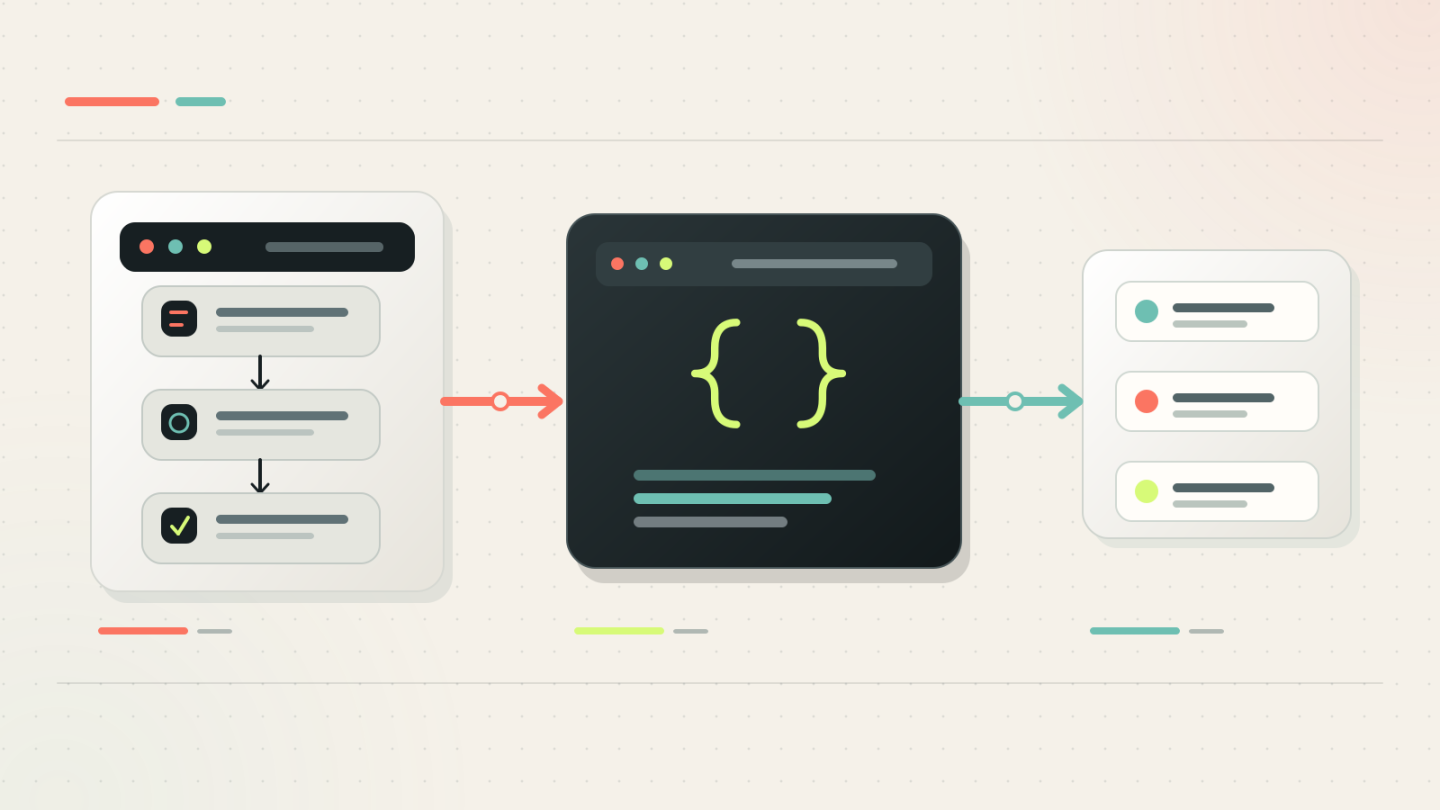
Caption: A visual workflow can coordinate systems while a dedicated service handles the logic that benefits from code.
This approach also makes responsibilities clearer. The workflow shows the overall process, while the service can be independently tested and reused.
Of course, the connection between them still needs proper error handling, authentication and logging. Splitting a solution into two parts should solve a problem, not create two new ones.
Five questions worth asking first
Before choosing an approach, I would look at five things:
- How complicated is the actual logic? Connecting systems is different from implementing business rules.
- How frequently will the process change? Some changes are easier to make visually; others benefit from structured code and tests.
- What happens when something fails? Retrying a notification is different from accidentally processing an invoice twice.
- Who will maintain it? The best technical solution is not useful if nobody can comfortably work with it later.
- Will the functionality be reused? Shared logic often deserves a proper interface rather than being duplicated across workflows.
Choose the simplest solution that stays manageable
n8n is not just a tool for quick prototypes, and custom code is not automatically the more professional option.
A well-designed visual workflow can run reliably for years. A small custom integration can be easier to maintain than a sprawling automation. And combining the two can be more effective than forcing everything into a single technology.
The goal is not to minimise the amount of code or the number of workflow nodes.
The goal is to build something that remains understandable, reliable and adaptable as the work changes.